One calendar, your whole day
See day, evening and night shifts, days off and personal plans together.
A calendar for nurses and shift workers
Your shifts, plans, notes and alarms.
One place to bring your day together.
iPhone · Android
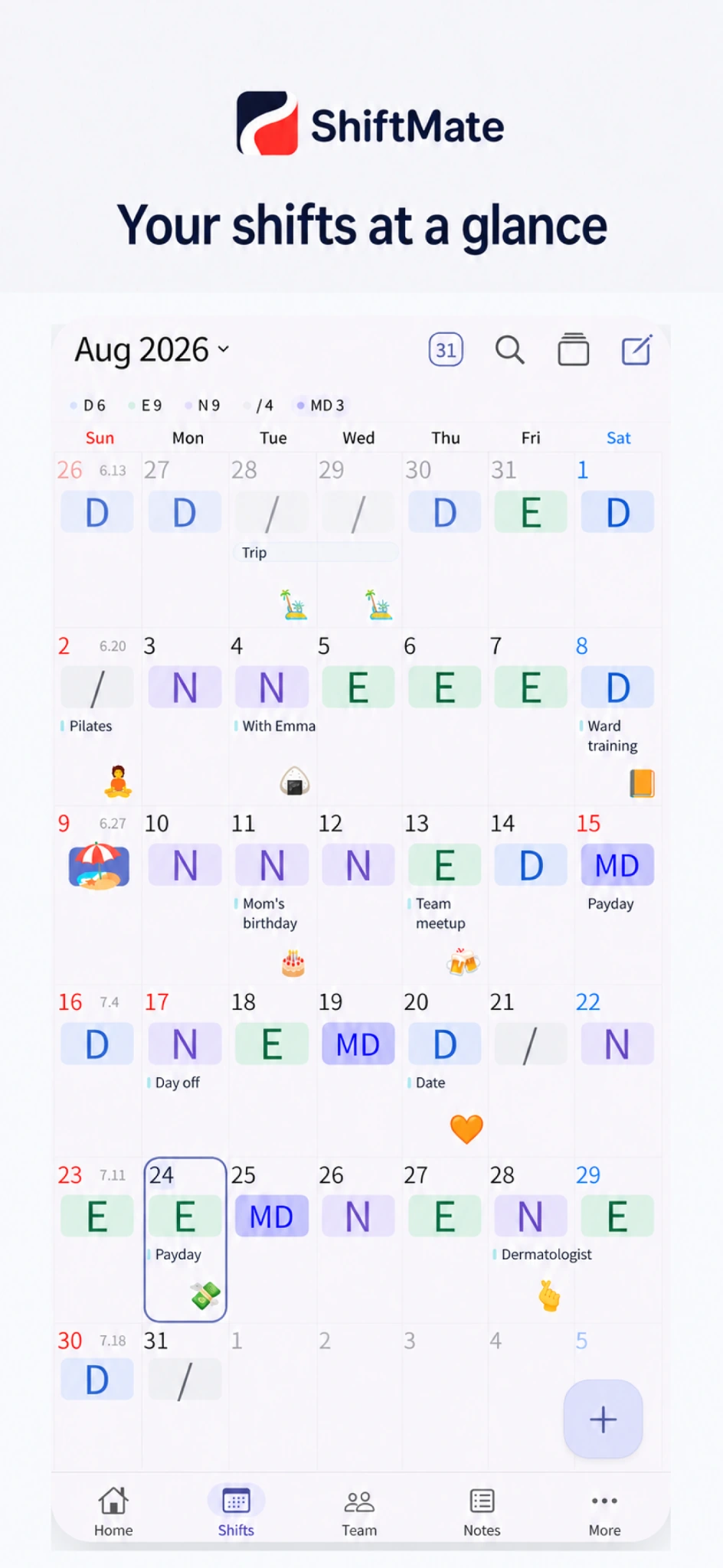
Work and life, together
See day, evening and night shifts, days off and personal plans together.
Compare schedules with coworkers and family to find time together.
Keep your schedule in sight with shift alarms and Home Screen widgets.
App preview
Choose a feature to explore. Select a screen for a closer look.
See your shifts and personal plans in a monthly calendar. Choose shift names and colors that make sense to you.
See shared schedules from coworkers, family and your partner. Find days off together and make planning easier.
Refresh the screen to see the latest changes to a shared schedule.
Take a closer look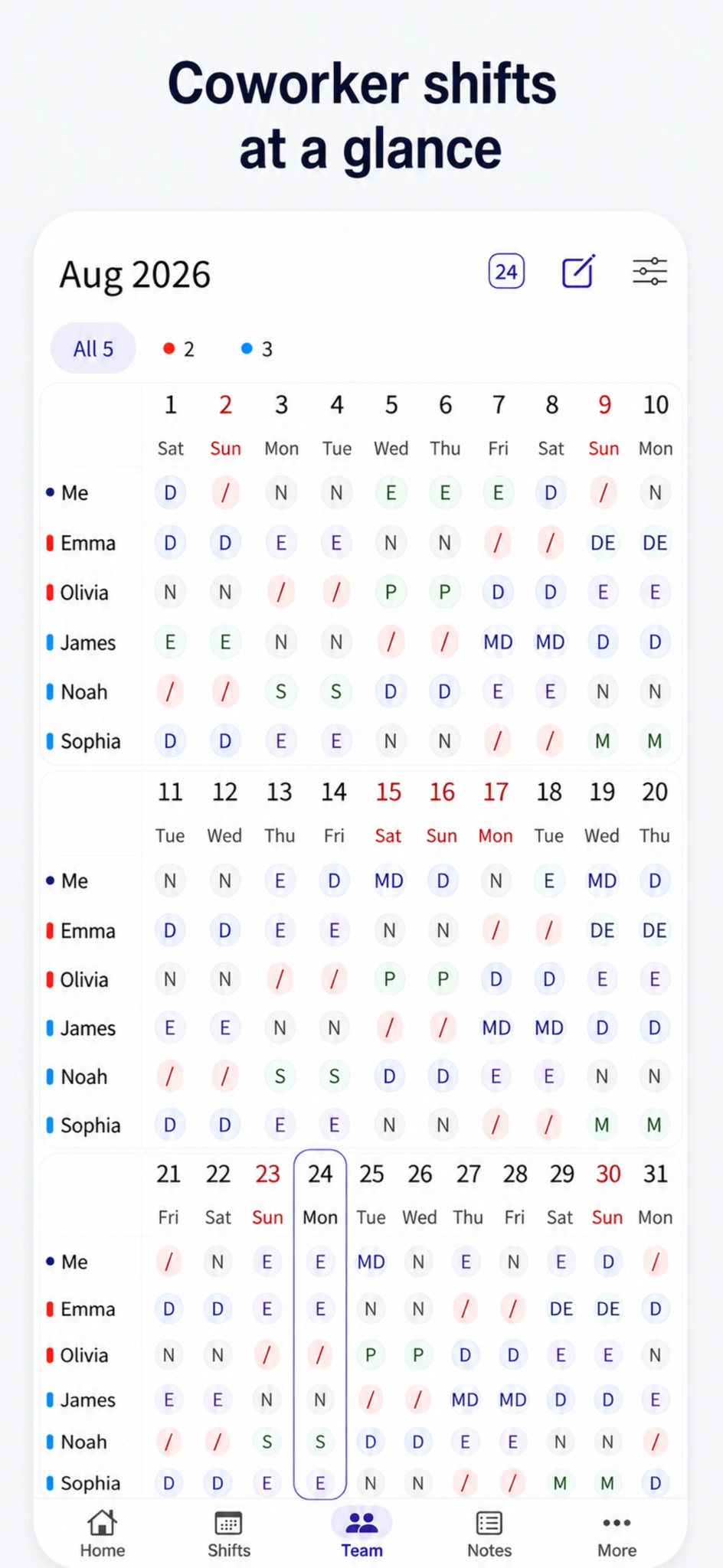
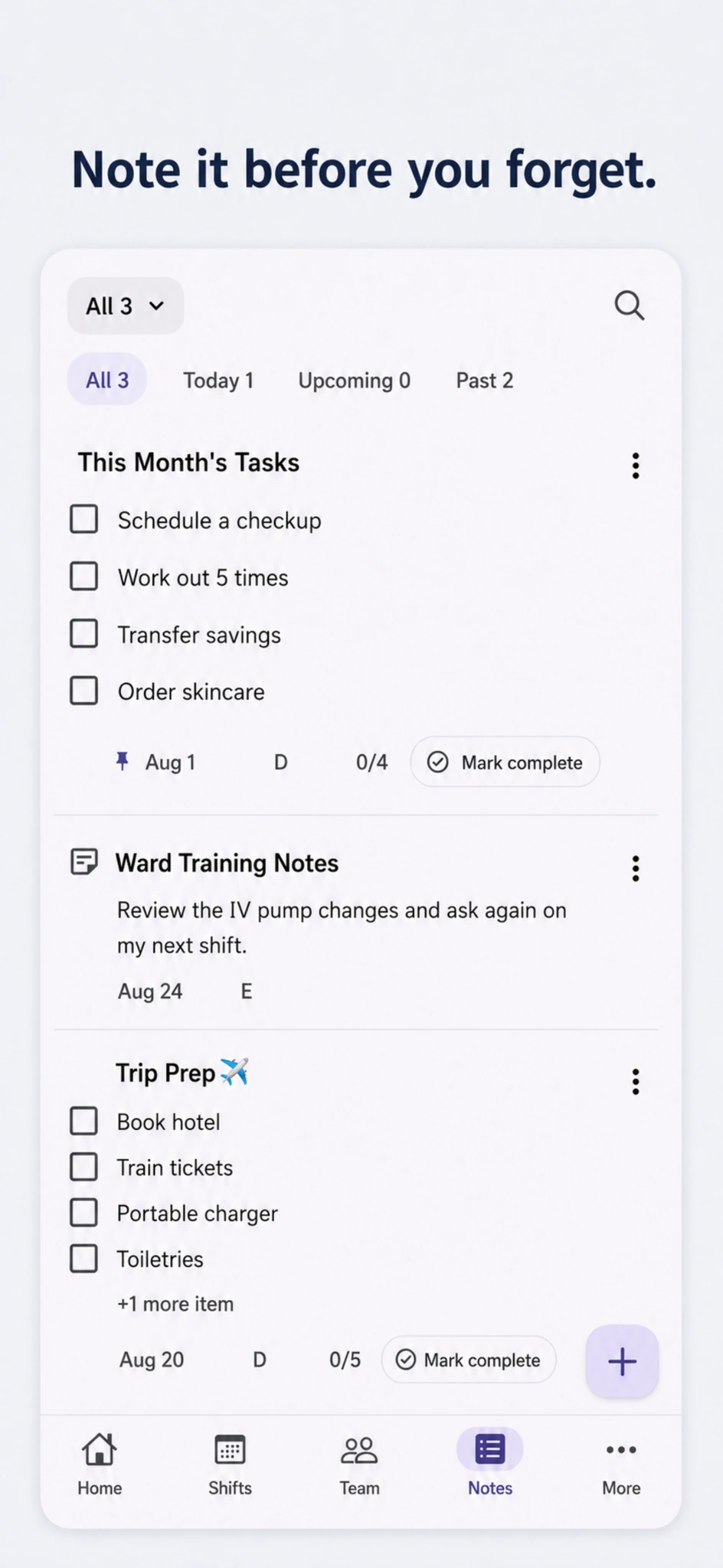
From a reminder before work to your next trip checklist. Keep the details that matter in notes and checklists.
Prepare for work even when your schedule changes from day to day. Set alarms to match your shifts.
Check your device notification permissions, volume and in-app alarm settings before use.
Take a closer look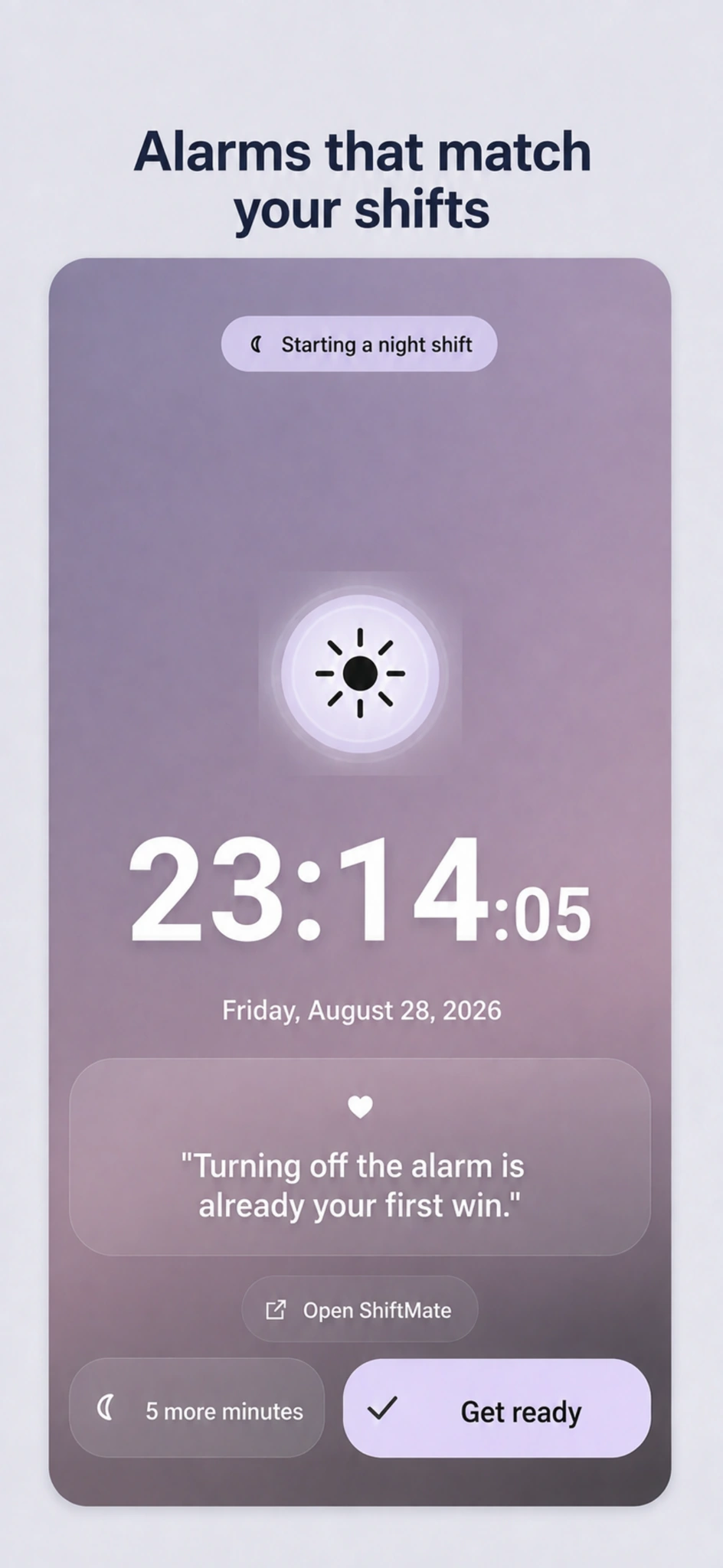
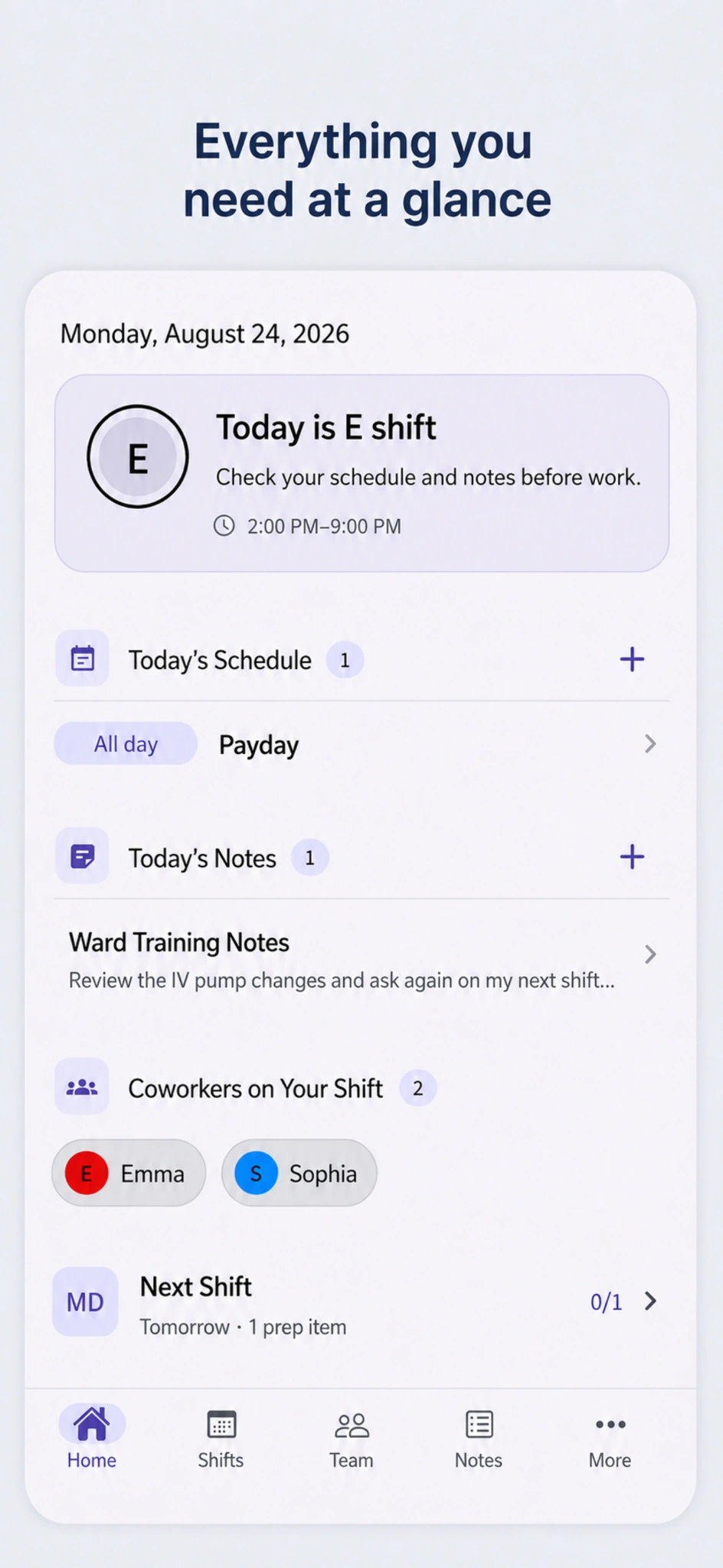
Your shift, plans, notes and coworkers on the same shift. Get a clear view of the day before you begin.
Check your schedule without opening the app. Choose a widget size that works for your Home Screen.
Available widgets and refresh timing depend on your operating system and device.
Take a closer look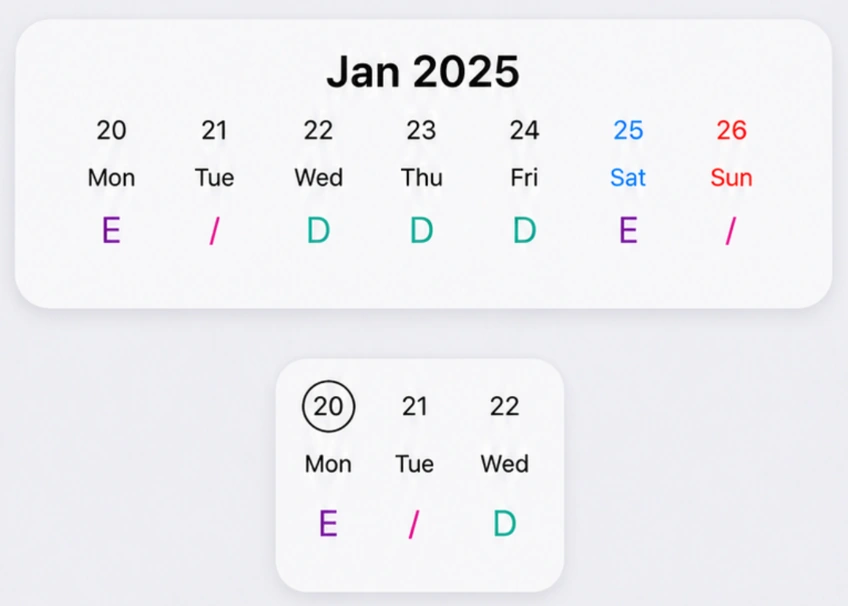
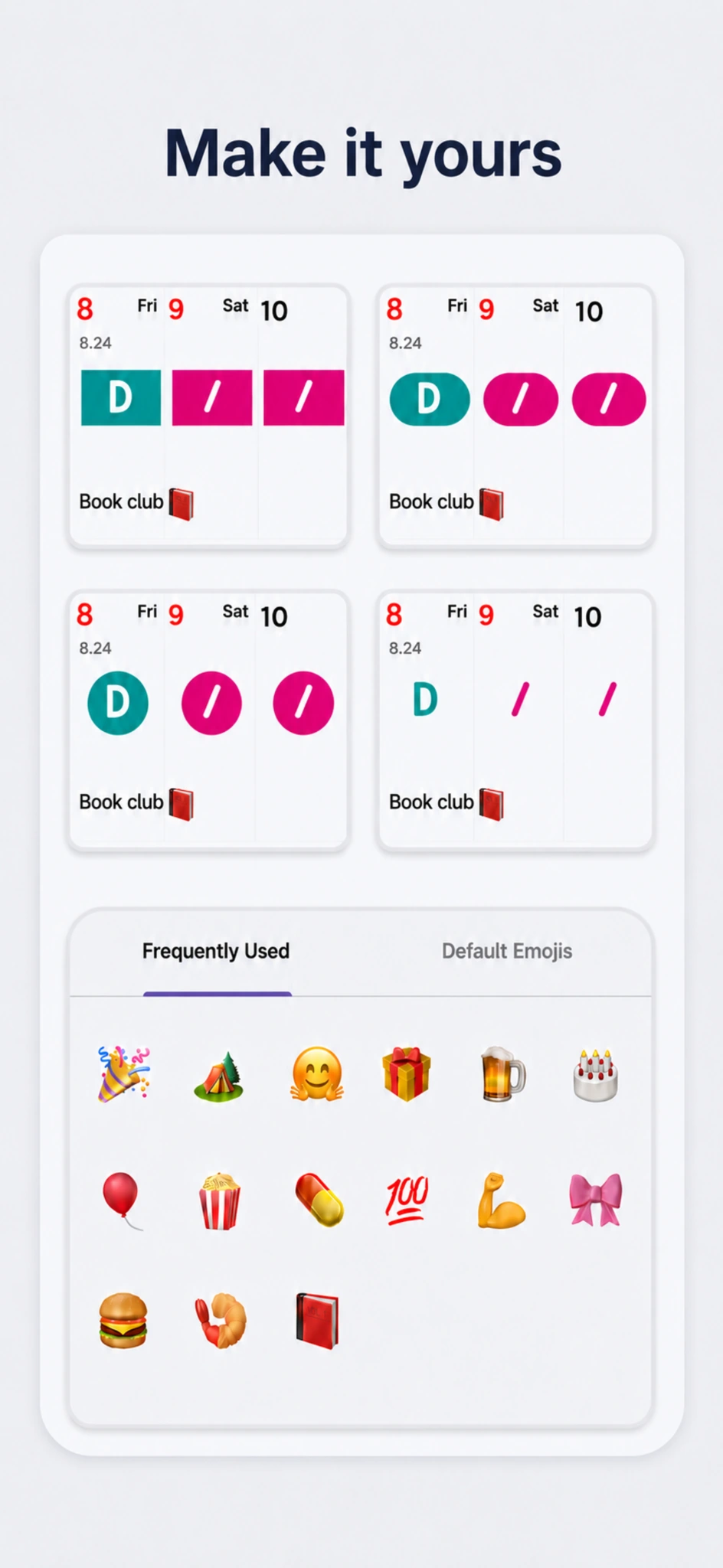
Choose how your shifts look and add emojis to your calendar. Make a screen you use every day feel familiar.
Review shift counts and scheduled hours, alongside records for leave, training and other attendance categories.
Hours and totals are based on the records and settings entered in the app.
Take a closer look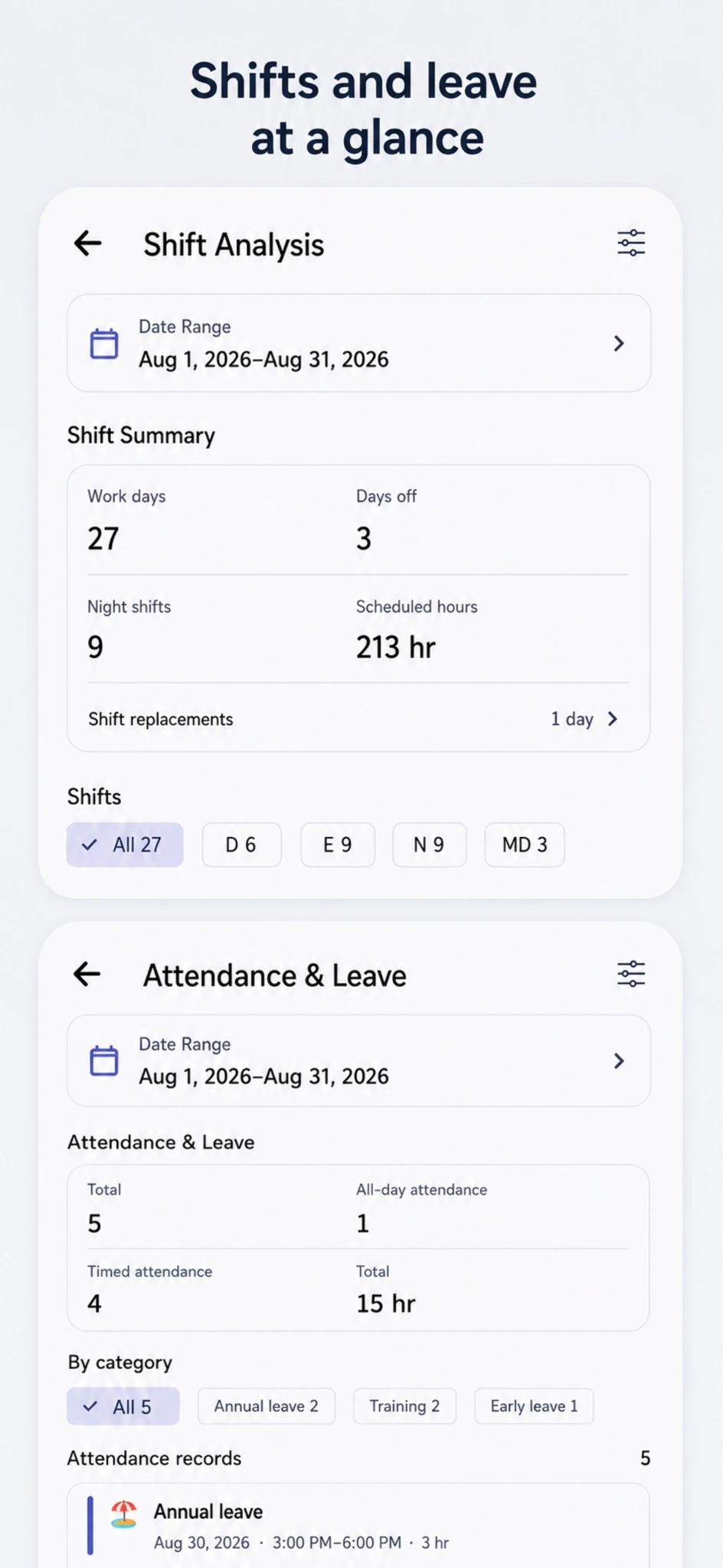
Guides and support
Get started, find an answer or catch up on what’s new.
From entering shifts to sharing and widgets.
Read the latest app and service announcements.
Stories about the app and shift-working life.
Still need a hand?
Contact us by email
Yes. Add a new shift in shift settings, or edit an existing shift you no longer use.
Changes are saved to the server. Refresh your screen to see the latest version of a shared schedule.
Yes. Shift sharing works across iPhone and Android. Refresh the screen to see updated shared shifts.

Bring your schedule and everyday plans together.
iPhone · Android